TL;DR: UK families can choose a basic phone for calls and texts or a smartphone with parental controls when children start making independent trips. The Nokia 105 starts at around £17. Before buying a specialist children’s phone, check UK network compatibility, ongoing charges and the controls your family needs.




What are the safer phone options for children in the UK?
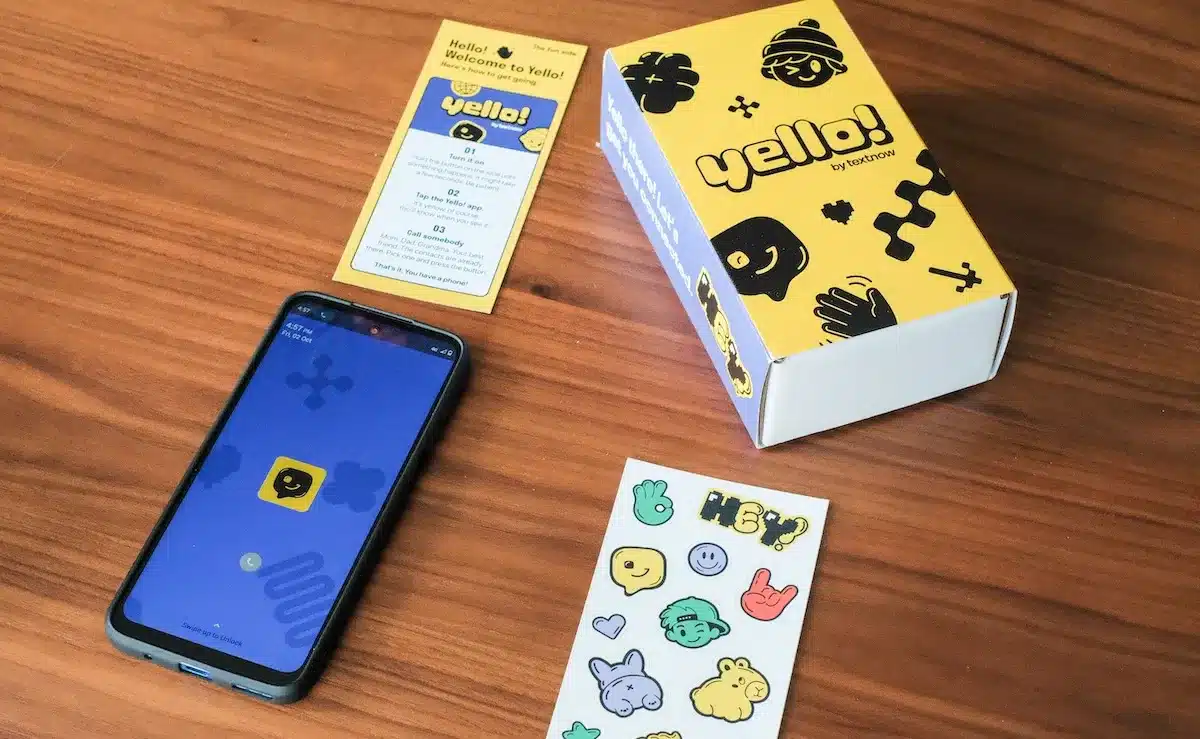
Start with what your child needs to do, rather than which handset their friends have. Calling you after a club is a different job from checking homework or using messaging apps.
A basic handset offers calls and texts without internet access, social media or an app store. For children moving into secondary school, a smartphone with parental controls can bring together GPS tracking, messaging apps and homework tools.
Specialist children’s phones are another option to investigate. Bark, Gabb, Pinwheel and Teracube Thrive feature in TechCrunch’s look at phones designed for children, alongside home phones and other alternatives.
For a UK family, though, a product’s appeal is only part of the decision. Check whether you can buy, activate and get support for it here before comparing features.
- For straightforward check-ins, consider whether calls and texts would cover the whole job.
- For school-related apps, explore a smartphone with carefully chosen permissions.
- For conversations from home, consider whether a shared phone would meet the need.
- For a wearable option, check the smartwatch’s communication features and school rules before buying.
We suggest choosing the least complicated option that meets your child’s actual needs. Leave room to review the decision as their journeys and responsibilities change.
Is a basic phone enough for calls and texts?
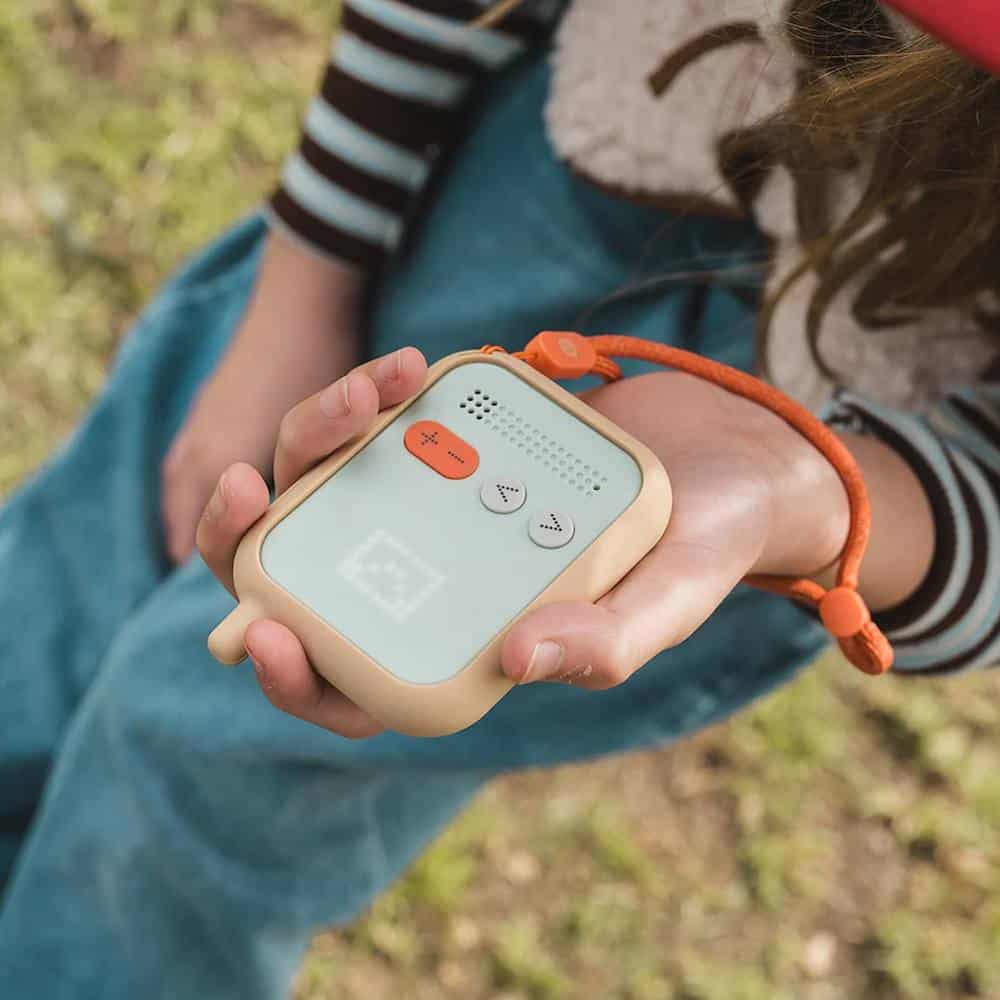
A basic phone is worth considering when your main aim is staying in touch on family holidays or after-school trips. Think about the message your child needs to send: they have arrived, a club has finished or their collection plans have changed.
The Nokia 105 and Nokia 105 4G offer straightforward communication, a lightweight, durable build and long battery life. A 4G version is available for modern networks. Camera availability depends on the variant, so check the exact model rather than relying on the product family’s name.
Before buying, ask your child to try the buttons and write a message. A simple handset still needs to feel manageable when they are flustered or carrying a school bag.
Practise the check-in before the independent trip
Save the contacts your child needs, then practise making a call and finding a reply. Agree what to do if you cannot answer, including which other trusted adult they should contact.
For family outings to large venues like Chester Zoo, make a meeting plan as well. Treat the phone as another way to reach you, rather than the whole plan for getting separated.
You can explore basic phone options for children in the UK while comparing handsets. Keep your shopping checklist focused on the tasks your child has practised.
What should UK parents check before buying a Bark, Gabb, Pinwheel or Teracube Thrive phone?
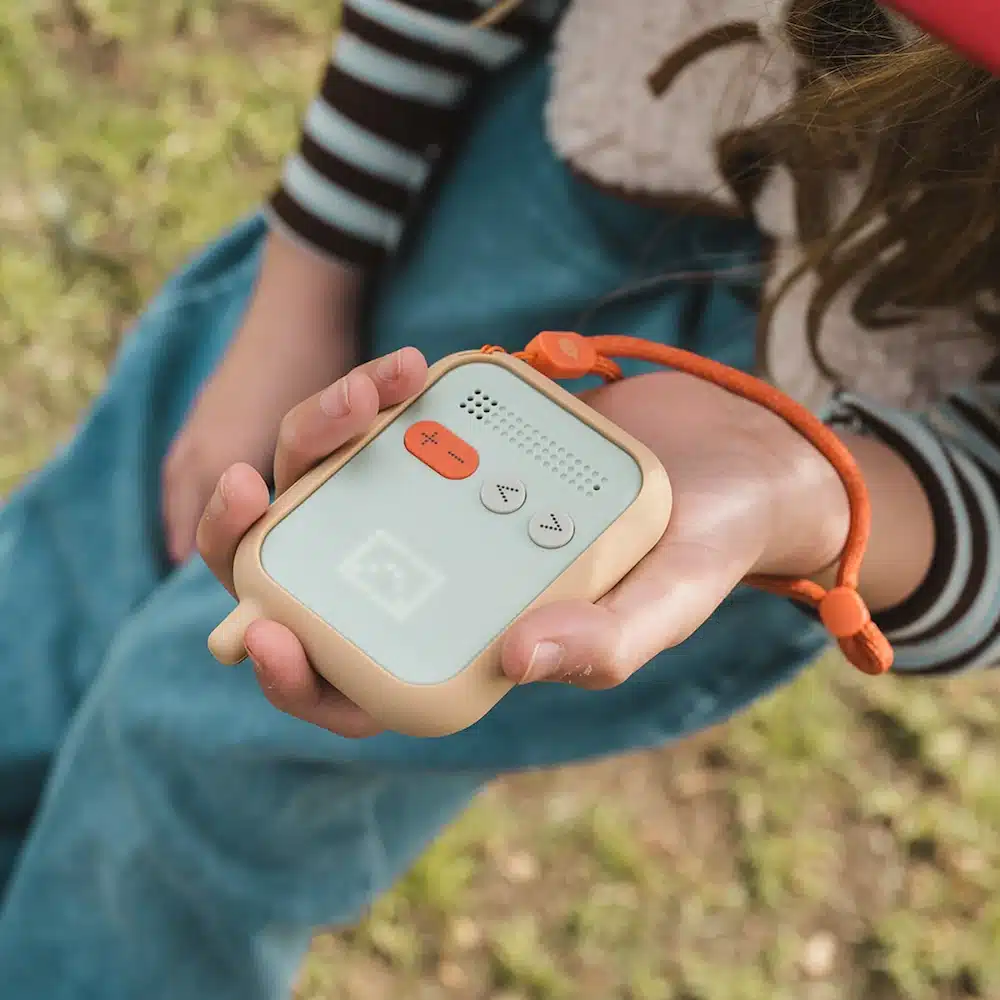
Check UK availability and activation before paying for any specialist children’s handset. Do not assume that a phone discussed in an overseas article will work with your preferred UK network.
The purchase arrangements differ between brands. Compare the handset, parental-control subscription and mobile service separately, rather than judging the commitment by the upfront cost alone.
| Phone | Payment arrangement to understand | Question to ask before buying |
|---|---|---|
| Bark Phone | The standard model requires a wireless plan alongside the handset purchase. | Can this model and its required plan be activated in the UK? |
| Gabb | Handset and cellular service have separate starting prices. | Which service arrangements would apply to a UK customer? |
| Pinwheel | The Caregiver Portal subscription does not include mobile service. | What would you need to pay for the phone, portal and UK mobile connection? |
| Teracube Thrive | The handset has an upfront price, with plans priced separately. | Which plans and support arrangements are available for use in the UK? |
Ask the seller for a total in pounds, including delivery and any import charges. Read the cancellation and returns terms before committing, especially if you cannot try the handset locally.
- Confirm compatibility with your chosen UK network and the exact handset model.
- Ask which controls remain available if you cancel a subscription.
- Check how software updates, repairs and customer support would work.
- Ask whether your own phone can manage the child’s device.
- Read how location information, messages and account details are handled.
Finally, ask for a demonstration of the controls you care about. A reassuring product description should not replace checking how a setting works in practice.
What should families consider about home phones and smartwatches for children?
Consider where your child needs to communicate before choosing another device. A phone for chatting from home answers a different need from something they can take on an independent journey.
Pinwheel offers landline phones and a smartwatch. Ooma MyPhone pairs a device purchase with an ongoing service charge. Tin Can offers a free plan for calls between Tin Can users, plus a paid plan for calling all approved contacts.
Waffle Home and Waffle Go are offered through preorders, while Yello! has an upfront device cost and a monthly plan. Check UK ordering, delivery and service arrangements before putting any of these options on your shortlist.
For a home phone, write down who your child wants to call. Then check whether those people need a matching device, an account or permission from a parent.
For a smartwatch, ask which functions work independently and which need another phone or a subscription. Check the school’s wearable-device policy too, rather than assuming a watch will be treated differently from a handset.
Try the practical steps together: finding a contact, answering a call and charging the device. Ask your child whether wearing it feels comfortable before choosing it for days out at venues like Parents Paradise.
How do Apple Screen Time and Google Family Link help parents manage a child’s phone?

Apple Screen Time is built into iOS, so it does not need a separate app. Managing it from a parent’s device requires a Family Sharing group, which is free to set up.
You can set limits for individual apps or categories, use downtime to restrict access during chosen hours and control communication contacts. Content restrictions cover explicit material in apps, websites and Siri, while weekly reports help you review usage.
Google Family Link is a free parental-control app for Android phones. Parents can set daily screen limits, approve or block Play Store downloads, view location on a map and lock the device remotely.
When used with Google Chrome, Family Link can filter explicit websites. Check the browser your child actually uses rather than assuming a web restriction covers every route online.
Agree the settings together
Explain what you plan to manage and why. For example, discuss which apps support schoolwork, which are for leisure and which contacts your child needs when travelling.
Choose a parental passcode your child does not know, then test the setup together. Make sure essential communication still works when restrictions are active.
Keep talking about uncomfortable messages and requests from strangers alongside the settings. Encourage your child to ask for help without worrying that reporting a problem automatically means losing their phone.
Which UK mobile networks offer child-safe SIM options?
EE and Vodafone offer Safer Sims, while ParentShield is a specialist child-safe network. Child-safe SIM options include network-level content filtering.
Before choosing a plan, ask exactly what the filtering covers and how it works alongside the handset’s settings. Check what protection applies when the phone uses Wi-Fi, rather than assuming every connection follows the same rules.
- Check coverage around home, school and your child’s usual journeys.
- Ask about spending controls, extra charges and contract cancellation.
- Confirm which settings a parent can manage and which a child can change.
- Check whether the SIM works in the handset you intend to buy.
Use Uswitch’s guide to mobile phones for children to help organise your comparison. Choose the plan around your child’s likely use, rather than paying for allowances they may not need.
How can you decide whether your child needs a smartphone for secondary school?
Separate school requirements from social expectations before making the decision. Ask the school which tasks genuinely need a smartphone and whether another way of completing them is available.
Then consider your child’s journey and confidence. A change of school can mean new collection arrangements, but that does not automatically decide which device they need.
- Can your child keep track of their belongings and remember to charge a device?
- Would they tell you about a message that made them uncomfortable?
- Can they follow an agreed plan if a lift is delayed?
- Which specific tasks would require apps rather than a basic handset?
- What does the school allow during lessons, breaks and travel?
If you choose a smartphone, agree a small starting set of apps together. Review permissions as your child demonstrates confidence, rather than opening everything at once.
You can also delay the smartphone decision while practising responsibility with a simpler device. Frame that choice around your child’s current needs, not as a punishment or a race to catch up.
How should you set up your child’s phone before a family day out?
Make the phone part of your outing plan before leaving home. We recommend checking it alongside tickets, bags and travel arrangements, rather than discovering a problem at the entrance.
- Charge the handset and check that it can make and receive calls.
- Confirm that saved contact details are correct and easy to find.
- Test any location settings you intend to use, with your child’s knowledge.
- Check that essential contacts remain reachable under your chosen restrictions.
- Agree where to meet if you become separated and who to approach for help.
- Keep your own copy of attraction tickets and travel details rather than relying on your child’s device.
Talk about when the phone should stay tucked away, especially while walking through crowds at theme parks like Chessington World of Adventures Resort or crossing roads. Agree how your child should ask before photographing someone else.
After the outing, ask what worked and what felt difficult. Adjust the plan together so the phone supports your family’s independence without becoming the focus of the day.
Frequently asked questions
How much does a basic phone like the Nokia 105 cost?
The Nokia 105 starts at around £17. It provides a lightweight and durable handset with long battery life for calls and text messages, without internet access, social media apps or an application store.
Which features does Apple Screen Time offer to parents?
Apple Screen Time allows parents to set limits for specific applications or categories, schedule downtime during chosen hours and manage communication contacts. It also includes weekly usage reports and content filters for explicit material across Siri, websites and apps.
How can Google Family Link assist with managing Android phones?
Google Family Link provides daily screen time limits, remote device locking and location tracking on a map. Parents can approve or block Play Store downloads and filter explicit websites when their child browses using Google Chrome.
What should parents investigate before buying a smartwatch for a child?
Parents should check whether the smartwatch functions independently or requires an accompanying phone or paid subscription. Families should also verify school policies regarding wearable devices, and practise answering calls, finding contacts and charging the device together.
Why is checking UK network compatibility necessary for imported children’s phones?
Several specialist handsets designed for children require specific wireless plans or caregiver portal subscriptions that may not activate on UK mobile networks. Parents must confirm UK network compatibility, total costs in pounds, import fees and local customer support.